

How to File Your GSIS Retirement Claim (Step-by-Step 2026)
Paano Mag-file ng GSIS Retirement Claim (Step-by-Step 2026)
The 5-Step Walkthrough
Filing your GSIS retirement in five steps.
Quick Summary
Mabilis na Buod
Important Disclaimer
This guide is for informational purposes only. It is not legal, tax, loan, or retirement advice. Rules can change without notice, and your agency, RDO, branch, or loan officer may ask for additional documents. GabayPH is not affiliated with any government agency.
Mahalagang Disclaimer
Ang gabay na ito ay para sa layuning pang-impormasyon lamang. Hindi ito legal, tax, loan, o retirement advice. Pwedeng magbago ang rules nang walang abiso, at maaaring humingi ng dagdag na dokumento ang ahensya, RDO, branch, o loan officer mo. Ang GabayPH ay hindi kaanib ng kahit anong ahensya ng gobyerno.
Table of Contents
Talaan ng Nilalaman
Eligibility: Magic 87, Optional, and Compulsory Retirement
Eligibility: Magic 87, Optional, at Compulsory Retirement
For the standard RA 8291 retirement claim, you generally need at least 15 years of creditable government service, age 60 or older, and no permanent total disability pension. Age 60 is the usual optional retirement point; age 65 is generally compulsory if you already have 15 years of service, unless extended by competent authority or covered by a special law.
The Magic 87 shorthand means age plus years of service is at least 87. Treat it as a planning signal, not the final legal test. Your HR and GSIS still need to confirm the exact retirement law, service credit, premium status, and whether your record has unpaid loans or service gaps.
Para sa standard RA 8291 retirement claim, karaniwang kailangan ang hindi bababa sa 15 years creditable government service, edad 60 pataas, at walang permanent total disability pension. Ang edad 60 ang usual optional retirement point; ang edad 65 ay karaniwang compulsory kung may 15 years service ka na, maliban kung extended ng proper authority o covered ng special law.
Ang Magic 87 shorthand ay age plus years of service na at least 87. Gamitin ito bilang planning signal, hindi final legal test. Kailangan pa ring i-confirm ng HR at GSIS ang exact retirement law, service credit, premium status, at kung may unpaid loans o service gaps sa record mo.
When to File: 3-6 Months Before Retirement
Kailan Mag-file: 3-6 Months Before Retirement
Start the file clean-up 3-6 months before your target retirement date. This is when you ask HR for a copy of your service record, check leave without pay entries, confirm your last day of service, and verify the spelling of your name, birthdate, civil status, and bank details.
As of May 2026, GSIS has moved most retirement and life insurance claim filing to a paperless workflow via the eGSIS portal and GSIS Touch app. Agencies are expected to electronically transmit service records, retirement dates, and leave-without-pay certifications before retirement. That makes early HR coordination more important, not less. Verify current submission rules at gsis.gov.ph/retirees.
Simulan ang file clean-up 3-6 months bago ang target retirement date. Sa panahon na ito, humingi sa HR ng copy ng service record, i-check ang leave without pay entries, i-confirm ang last day of service, at i-verify ang spelling ng pangalan, birthdate, civil status, at bank details.
Bilang ng May 2026, ang karamihan sa retirement at life insurance claim filing ay paperless na via eGSIS portal at GSIS Touch app. Ang mga agency ay expected na electronically magsumite ng service records, retirement dates, at leave-without-pay certifications bago retirement. Mas importante ang early HR coordination, hindi mas relaxed. I-verify ang current submission rules sa gsis.gov.ph/retirees.
Required Documents
Required Documents
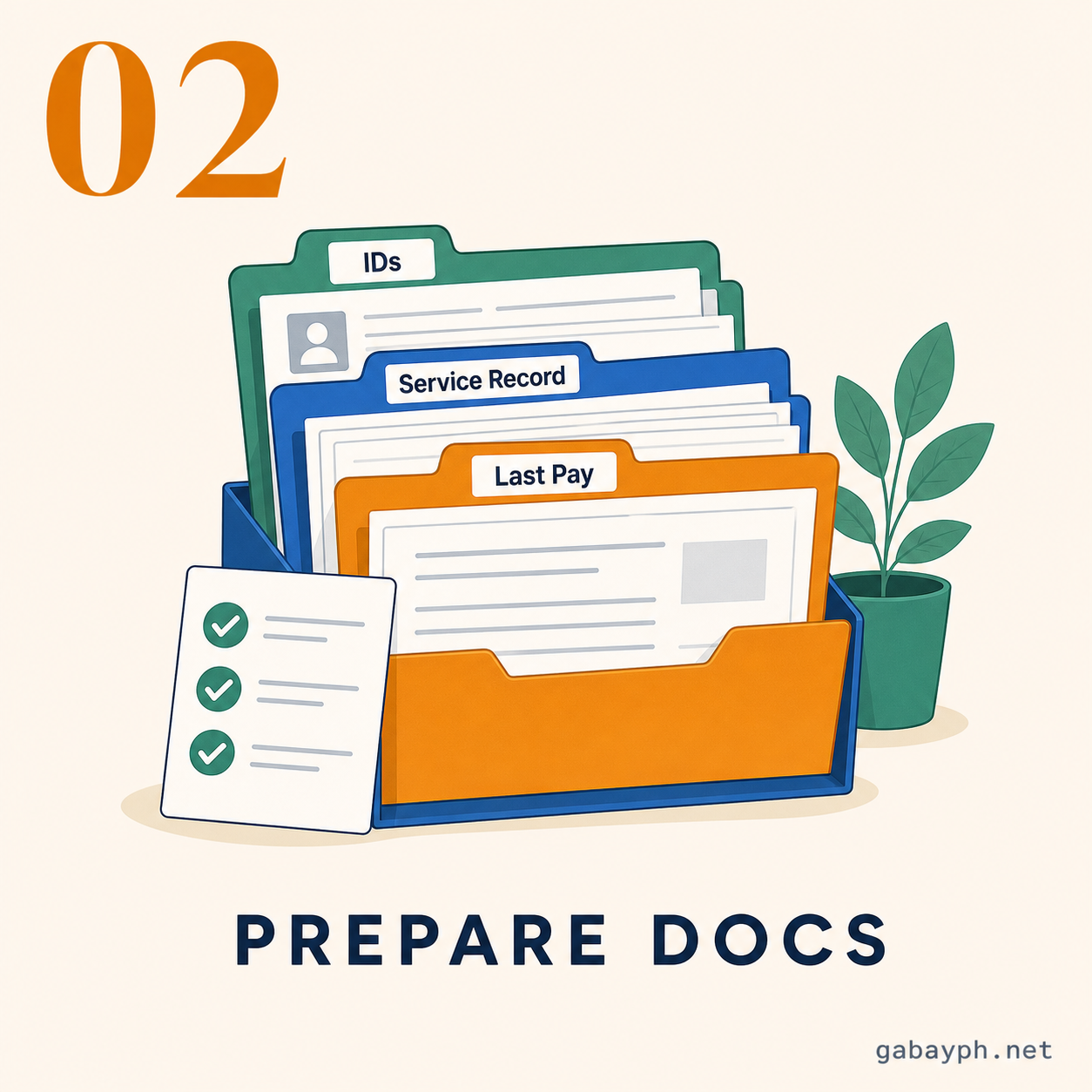
Exact requirements can vary by retirement law and branch, but prepare these early:
- Updated Service Record certified by your agency
- Leave Without Pay certification or statement that there was none
- Last Pay Certificate or payroll clearance, if requested by GSIS or HR
- Valid government ID, GSIS BP number, and GSIS Touch/eGSIS access
- Bank account or eCard details for crediting
- Retirement option selection: 60-month lump sum or 18-month cash plus immediate pension
- Name or civil status documents, such as PSA marriage certificate, if records do not match
Pwedeng mag-iba ang exact requirements depende sa retirement law at branch, pero ihanda nang maaga ang mga ito:
- Updated Service Record na certified ng agency
- Leave Without Pay certification o statement na wala kang LWOP
- Last Pay Certificate o payroll clearance, kung hinihingi ng GSIS o HR
- Valid government ID, GSIS BP number, at GSIS Touch/eGSIS access
- Bank account o eCard details para sa crediting
- Retirement option selection: 60-month lump sum o 18-month cash plus immediate pension
- Name o civil status documents, gaya ng PSA marriage certificate, kung hindi tugma ang records
Step-by-Step: Pre-Retirement to First Payment
Step-by-Step: Pre-Retirement hanggang First Payment
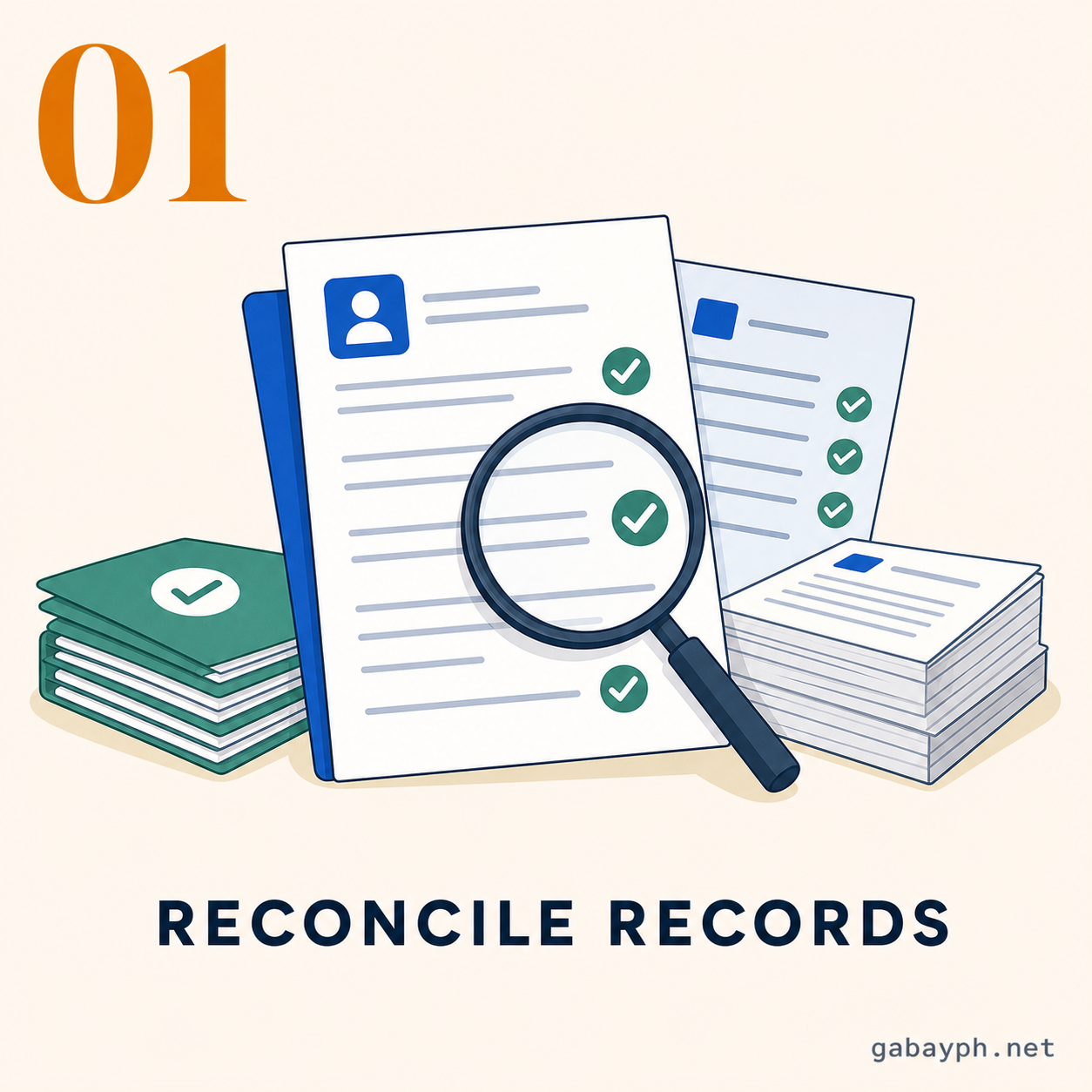
- Pre-retirement record check. Ask HR and GSIS to reconcile service credit, LWOP, premium remittances, and outstanding loans.
- Set up GSIS Touch or eGSIS. Make sure your mobile number, email, and facial authentication work before your last month.
- Agency electronic submission. HR submits certified service data and retirement details to GSIS through the required agency workflow.
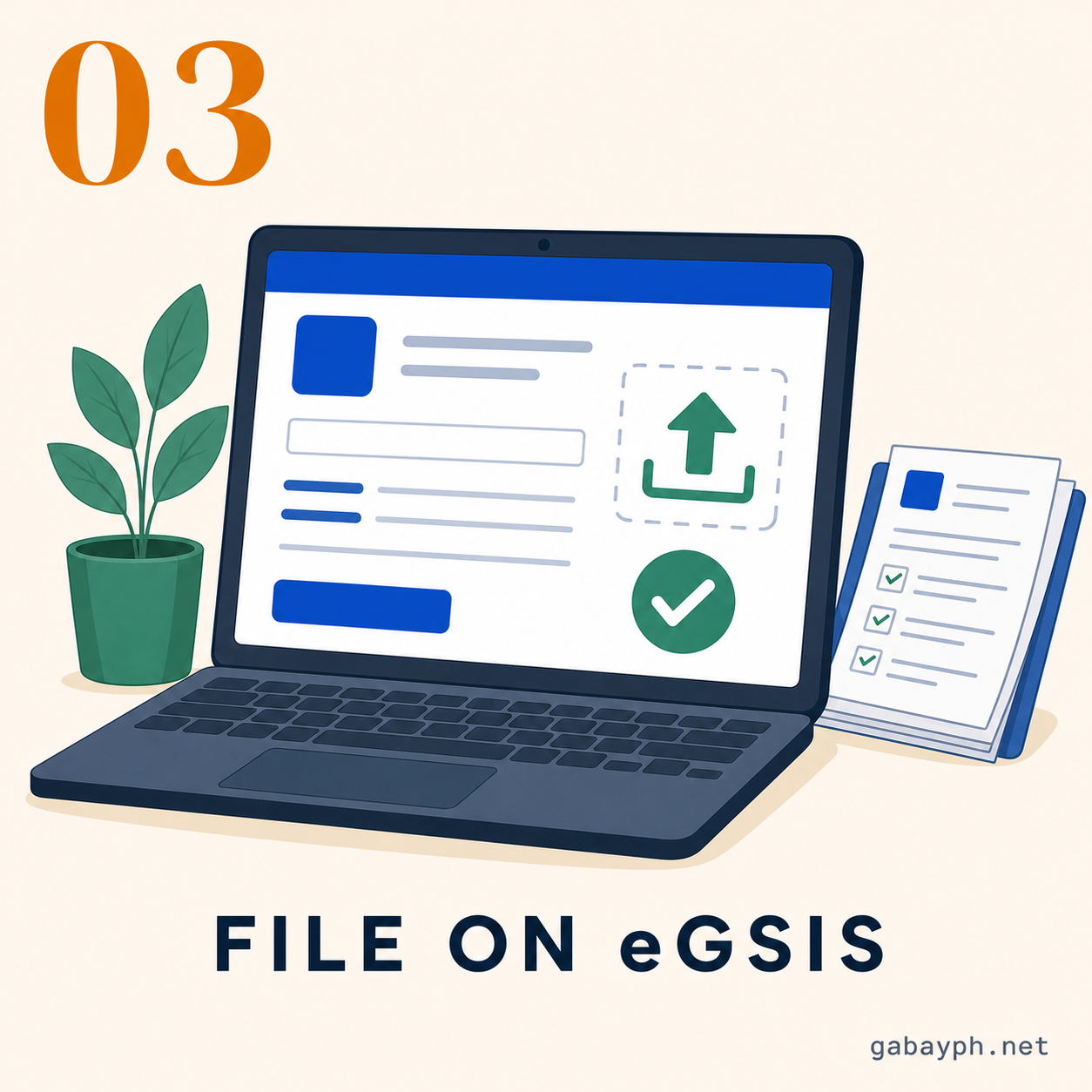
- File through GSIS Touch/eGSIS when cleared. Select the claim type, confirm personal data, choose the retirement option, and submit.
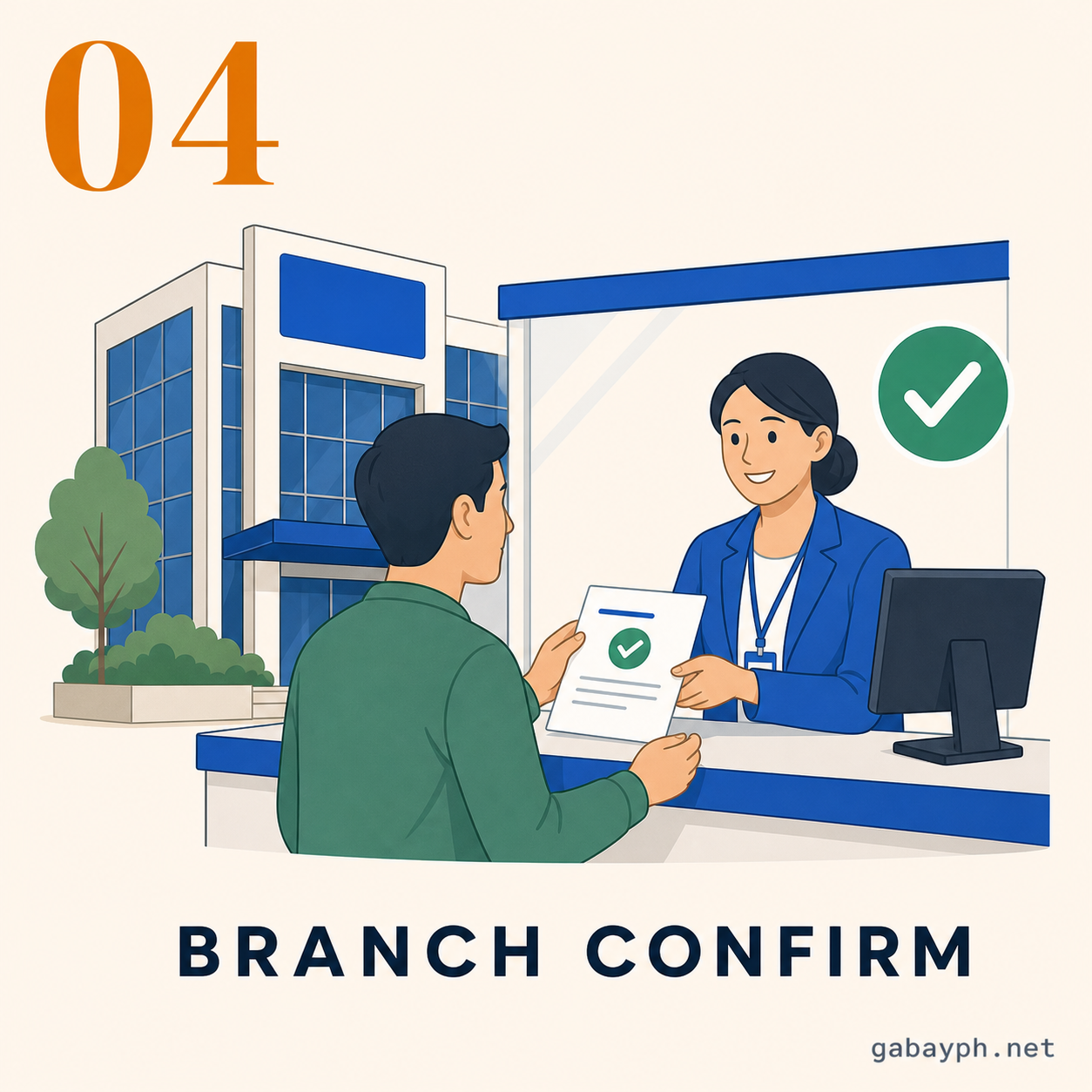
- Branch or online confirmation. If GSIS flags discrepancies, visit the branch or use the official appointment channel with supporting documents.
- Approval and vouchering. GSIS computes benefits, offsets loans if applicable, and routes the claim for approval.
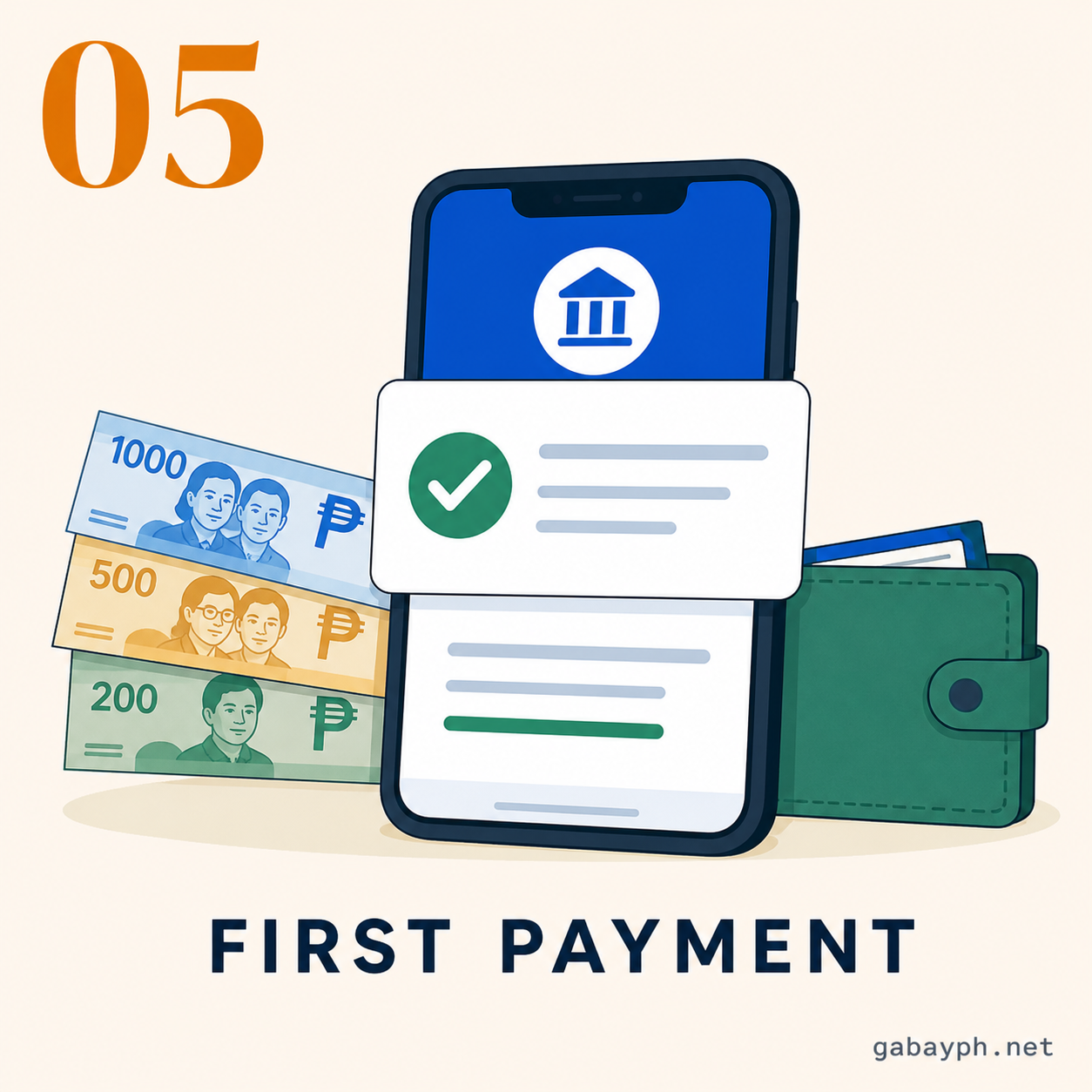
- First payment. Approved proceeds are credited to the bank account or eCard on record. Keep SMS and email alerts until payment posts.
- Pre-retirement record check. Ipa-reconcile sa HR at GSIS ang service credit, LWOP, premium remittances, at outstanding loans.
- I-set up ang GSIS Touch o eGSIS. Siguraduhing gumagana ang mobile number, email, at facial authentication bago ang last month mo.
- Agency electronic submission. Isusumite ng HR ang certified service data at retirement details sa GSIS sa required agency workflow.
- Mag-file sa GSIS Touch/eGSIS kapag cleared. Piliin ang claim type, i-confirm ang personal data, pumili ng retirement option, at isumite.
- Branch o online confirmation. Kung may discrepancy, pumunta sa branch o gumamit ng official appointment channel dala ang supporting documents.
- Approval and vouchering. Iko-compute ng GSIS ang benefits, i-o-offset ang loans kung applicable, at iruruta ang claim for approval.
- First payment. Ang approved proceeds ay iki-credit sa bank account o eCard on record. Itago ang SMS at email alerts hanggang pumasok ang bayad.
Online vs Walk-in
Online vs Walk-in
Online is now the cleaner route for many RA 8291 retirement claims because GSIS Touch can support paperless filing, tentative computation viewing, and transaction monitoring. Use it if your records are clean and your agency has already transmitted the required data.
Walk-in or appointment-based help is still useful when your app account fails, facial authentication is blocked, your name changed, your service record is fragmented across agencies, or a branch asks for original documents. Bring photocopies and originals, and ask for a transaction number.
Mas clean na route ngayon ang online para sa maraming RA 8291 retirement claims dahil kaya ng GSIS Touch ang paperless filing, tentative computation viewing, at transaction monitoring. Gamitin ito kung maayos ang records mo at na-transmit na ng agency ang required data.
Useful pa rin ang walk-in o appointment-based help kapag hindi gumagana ang app account, na-block ang facial authentication, nagpalit ka ng pangalan, fragmented ang service record mo across agencies, o humihingi ang branch ng original documents. Magdala ng photocopies at originals, at humingi ng transaction number.
Processing Time and Payment Options
Processing Time at Payment Options
Do not plan your bills around same-week payment. A clean digital claim can move faster, but delays happen when HR records, loan balances, or bank details need correction. A practical buffer is 30-60 days from retirement for planning cash flow, even if the official service standard for complete documents is shorter.
If approval is delayed after entitlement, ask GSIS how retroactive pension months will be reflected. Keep your own timeline of retirement date, filing date, deficiency notices, and payment date so you can follow up clearly.
Your payment choice affects cash flow: 60 months of BMP upfront with pension after five years, or 18 months of BMP with monthly pension immediately. Payment is normally credited to your GSIS eCard or designated bank account after approval.
Huwag i-base ang bills mo sa expectation na same-week ang bayad. Mas mabilis ang clean digital claim, pero nagde-delay kapag kailangang ayusin ang HR records, loan balances, o bank details. Practical buffer ang 30-60 days mula retirement para sa cash flow planning, kahit mas maikli ang official service standard kapag complete documents.
Kung delayed ang approval pagkatapos ng entitlement, itanong sa GSIS kung paano papasok ang retroactive pension months. Magtabi ng sariling timeline ng retirement date, filing date, deficiency notices, at payment date para malinaw ang follow-up mo.
May epekto sa cash flow ang payment choice: 60 months ng BMP upfront at pension pagkatapos ng five years, o 18 months ng BMP with monthly pension agad. Karaniwang iki-credit ang bayad sa GSIS eCard o designated bank account pagkatapos ma-approve.
Common Rejection Reasons and Fixes
Common Rejection Reasons at Paano Ayusin
- Name mismatch: Submit PSA marriage certificate, court order, or valid ID trail.
- Missing service record: Ask old agencies for certified records and HR endorsements.
- Unposted premiums: Have payroll and accounting reconcile remittance records with GSIS.
- LWOP gaps: Secure certification showing dates and whether premiums were paid.
- Loan offsets: Ask for a loan statement so you understand the net proceeds.
- Bank issue: Update bank details before approval, not after vouchering.
- Name mismatch: Mag-submit ng PSA marriage certificate, court order, o valid ID trail.
- Missing service record: Humingi ng certified records at HR endorsements sa old agencies.
- Unposted premiums: Ipa-reconcile sa payroll at accounting ang remittance records sa GSIS.
- LWOP gaps: Kumuha ng certification na may dates at kung may premium payment.
- Loan offsets: Humingi ng loan statement para alam mo ang net proceeds.
- Bank issue: I-update ang bank details bago ma-approve, hindi pagkatapos ng vouchering.
Pro Tips
Mga Payo
- Reconcile six months early if you transferred agencies, had LWOP, or changed your name after marriage.
- Screenshot status pages only for your own records; do not post claim details publicly.
- Ask HR for the retirement law in writing so computation questions do not become guesswork.
- Keep one emergency fund outside the lump sum because first payment timing can still slip.
- Mag-reconcile six months early kung nag-transfer ka, may LWOP, o nagpalit ng pangalan dahil sa kasal.
- I-screenshot ang status pages para sa personal records lang; huwag i-post publicly ang claim details.
- Hingin sa HR ang retirement law in writing para hindi hula-hula ang computation questions.
- Magtabi ng emergency fund outside the lump sum dahil pwede pa ring madulas ang timing ng first payment.
Frequently Asked Questions
Mga Madalas Itanong
Why is my first payment delayed?
Common causes are unposted service periods, unresolved LWOP, loan offsets, mismatched civil status, or bank validation issues. Ask for the exact deficiency and submit the correction through HR or the GSIS channel handling your claim.
Bakit delayed ang first payment ko?
Karaniwang dahilan ang unposted service periods, unresolved LWOP, loan offsets, mismatched civil status, o bank validation issues. Hingin ang exact deficiency at isumite ang correction sa HR o GSIS channel na humahawak ng claim mo.
Can I change my pension option after filing?
Ask GSIS immediately before approval or voucher release. Once processed and paid, changing the option may no longer be allowed or may require formal correction.
Pwede ko bang palitan ang pension option after filing?
Magtanong agad sa GSIS bago approval o voucher release. Kapag processed at paid na, maaaring hindi na payagan ang change o kailangan na ng formal correction.
Do I still need to visit a branch?
Not always. If your RA 8291 claim is clean and the GSIS Touch workflow accepts it, you may finish digitally. Visit or book an appointment if the system flags your identity, records, or documents.
Kailangan pa ba pumunta sa branch?
Hindi lagi. Kung clean ang RA 8291 claim mo at tinatanggap ng GSIS Touch workflow, pwedeng matapos digitally. Pumunta o magpa-appointment kung may flagged identity, records, o documents.